Mechanical & electrical faults
Printer Hardware Repair
Printer hardware repair, from the first symptom to the last test page.
When a printer grinds, stalls, shows a fault light or simply refuses to start, the cause is usually physical: a worn roller, a stuck carriage, a failed sensor or a tired power supply. We find the part that is actually failing before anything is replaced.

Problem overview
What’s usually going on
Hardware faults rarely fix themselves. A carriage that catches on one pass will catch more often, and a pickup roller that has glazed over will start to miss sheets, then feed two at once, then jam. Catching the fault early is usually simpler and cheaper than waiting for a complete stop.
Our approach is diagnostic first. We reproduce the symptom, check the error history where the printer keeps one, and inspect the mechanism, so the repair we recommend is based on what we see rather than a guess.
Diagnosis
Possible causes
- 01
Worn or glazed rollers
Rubber pickup and separation rollers harden with age and lose grip, causing misfeeds and multi-feeds.
- 02
Debris in the paper path
Torn paper, labels, staples and clips lodge in places you cannot see and block sensors or gears.
- 03
Carriage or encoder problems
A dirty encoder strip or dry carriage rail makes the print head lose its position and stop.
- 04
Failed sensors or switches
Paper, door and cartridge sensors can stick or fail, so the printer believes something is wrong when it is not.
- 05
Power supply faults
A printer that is completely dead, or restarts randomly, often points to the power supply or its connections.
Our approach
How we repair it
Listen and reproduce
We run the printer through the failing job and note exactly where and when the fault appears.
Inspect the mechanism
Covers off where needed: rollers, gears, carriage, sensors and the paper path are checked by hand and eye.
Explain the options
You hear what is wrong, what fixing it involves and whether repair makes sense for that printer before any work goes ahead.
Repair and test
Parts are cleaned, adjusted or replaced as agreed, then the printer is tested with real jobs, including duplex and scanning where it has them.
What this service covers
- Diagnosis of mechanical and electrical faults
- Roller, gear and paper-path work
- Carriage, encoder and sensor issues
- Testing with real print jobs before we finish
Supported brands
Support depends on the specific model; include it in your request. We are independent and not affiliated with these manufacturers.
How it can be handled
- On-site repairA technician visits your home or office to diagnose and repair the printer where it is.
- Remote troubleshootingFor setup, driver, software and connection problems: we guide you or connect to your computer with your permission.
We confirm which option fits after reviewing your request.
FAQs
Printer Hardware Repair: questions
Is it worth repairing my printer?
It depends on the fault and the printer. After diagnosis we tell you plainly what the repair involves so you can compare it with replacement. If repair is not sensible, we say so.
Do you use genuine parts?
Where parts are needed we discuss the options available for your model with you before fitting anything.
What should I do before the visit or session?
Note any error message or code, keep a sample of a bad print if you have one, and avoid forcing moving parts, which can turn a simple fault into a broken one.
Related
Related services
-
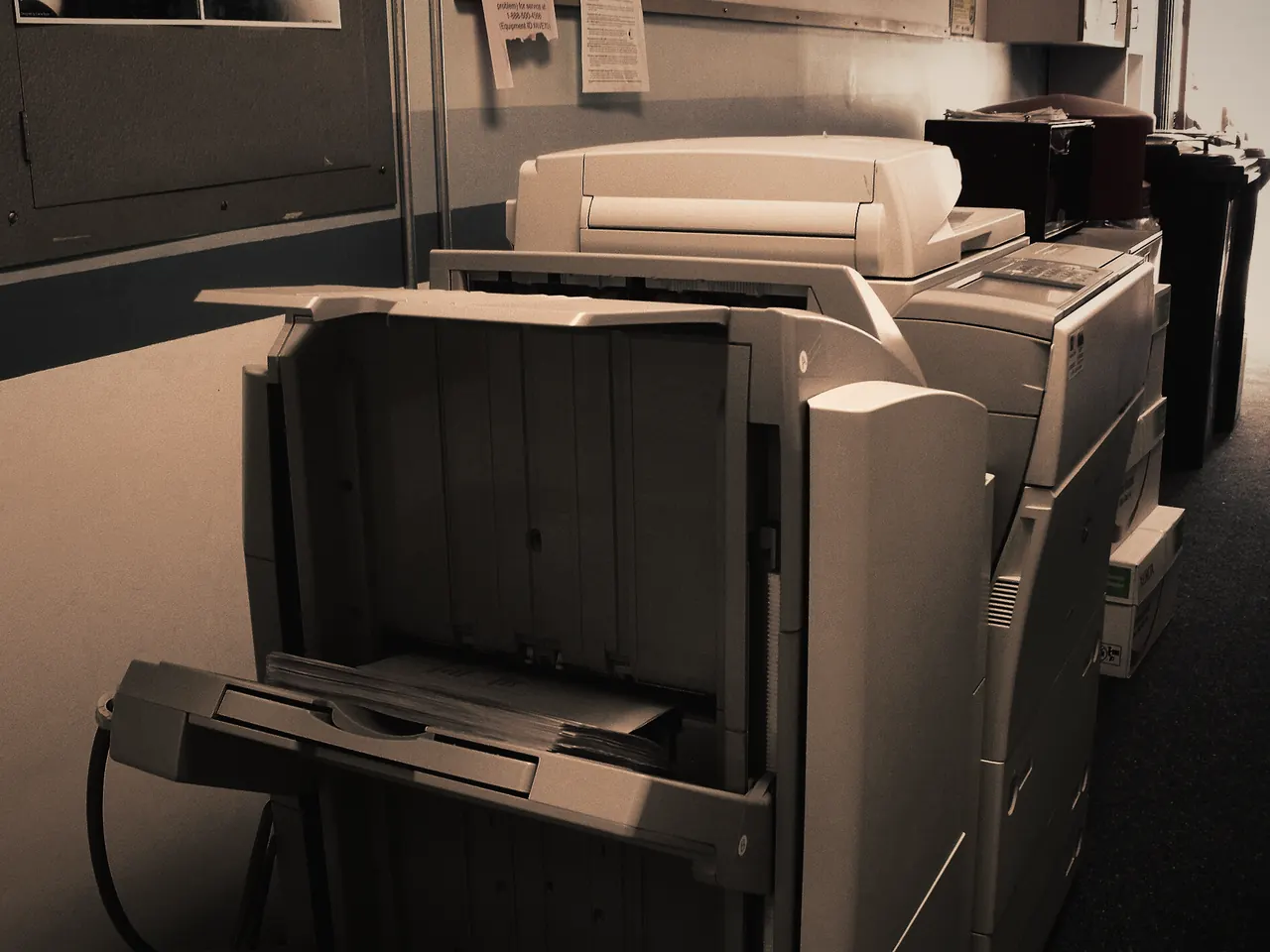
Paper Jam Repair
Pulling out a crumpled sheet clears today’s jam.Learn more -
Printer Maintenance
Dust, paper debris and spilled toner build up inside every printer.Learn more -
Print Quality Troubleshooting
Streaks, faded areas, smears and repeated marks each point to different parts of the printer.Learn more


Request a repair
Let’s Get Your Printer Working Again.
Tell us what’s happening and how you’d like it handled. We review every request and contact you to confirm the details before anything is booked.