Streaks, fading & smears
Print Quality Troubleshooting
Sharp, clean pages again. Without guessing through cartridges.
Streaks, faded areas, smears and repeated marks each point to different parts of the printer. We read the page, find the part responsible and fix that, instead of replacing cartridges until something changes.

Problem overview
What’s usually going on
Inkjet and laser printers fail in different ways. On an inkjet, missing lines or colours usually trace back to the print head or ink supply. On a laser, repeating marks, smears that rub off and grey backgrounds point to the drum, fuser or toner.
A sample of the bad print is the most useful thing you can give us. Repeating marks, for example, appear at a spacing that matches the circumference of the roller causing them.
Diagnosis
Possible causes
- 01
Clogged or dry print head (inkjet)
Dried ink blocks nozzles, leaving lines or missing colours.
- 02
Drum wear or damage (laser)
Scratches or wear on the imaging drum print as repeating marks.
- 03
Fuser issues (laser)
If toner rubs off or smears, it is not being fused to the paper properly.
- 04
Cartridge problems
Empty, incompatible, poorly seated or damaged cartridges.
- 05
Settings and paper
Wrong paper type setting, draft mode or unsuitable paper.
Our approach
How we repair it
Read the sample
Pattern, spacing and colour of the defect narrow the cause.
Run diagnostics
Nozzle checks, test pages and cleaning cycles where they help, not on repeat.
Check the parts
Cartridges, print head, drum, fuser and settings as relevant to your printer type.
Fix and compare
Repair or replace what is responsible and compare new prints with the original sample.
What this service covers
- Inkjet head and nozzle problems
- Laser drum, toner and fuser symptoms
- Colour and alignment issues
- Settings and paper checks
Supported brands
Support depends on the specific model; include it in your request. We are independent and not affiliated with these manufacturers.
How it can be handled
- On-site repairA technician visits your home or office to diagnose and repair the printer where it is.
- Remote troubleshootingFor setup, driver, software and connection problems: we guide you or connect to your computer with your permission.
We confirm which option fits after reviewing your request.
FAQs
Print Quality Troubleshooting: questions
Should I keep running cleaning cycles?
One or two can help on an inkjet. Running many in a row uses a lot of ink and fills the waste ink pad, so stop and ask for help if they do not fix it.
Are third-party cartridges the problem?
They can be, but not always. We check how cartridges are seated and recognised before blaming them.
Can you fix faded laser prints?
Usually the cause is toner, drum or a setting. We check each before recommending parts.
Related
Related services
-
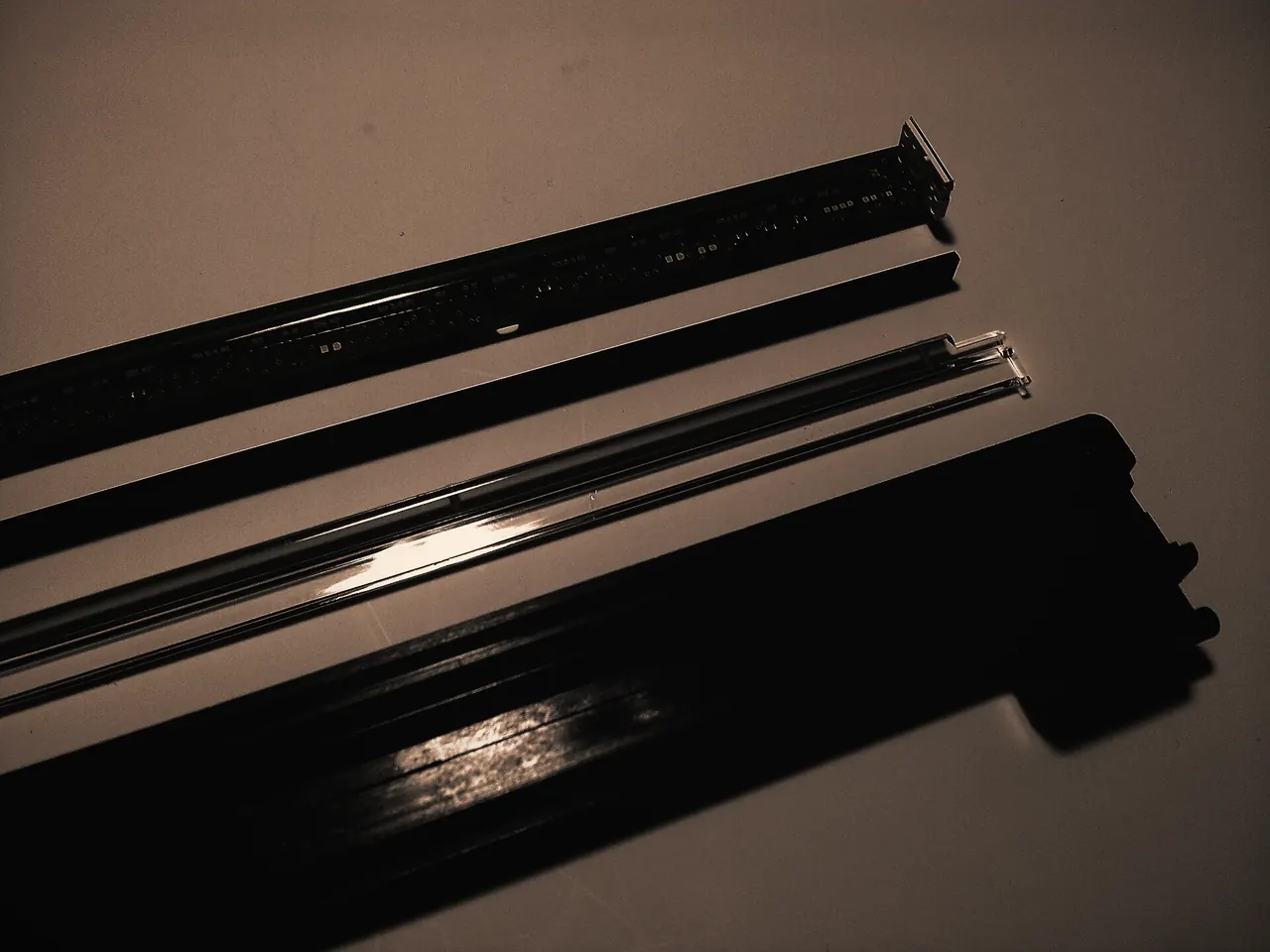
Printer Maintenance
Dust, paper debris and spilled toner build up inside every printer.Learn more -
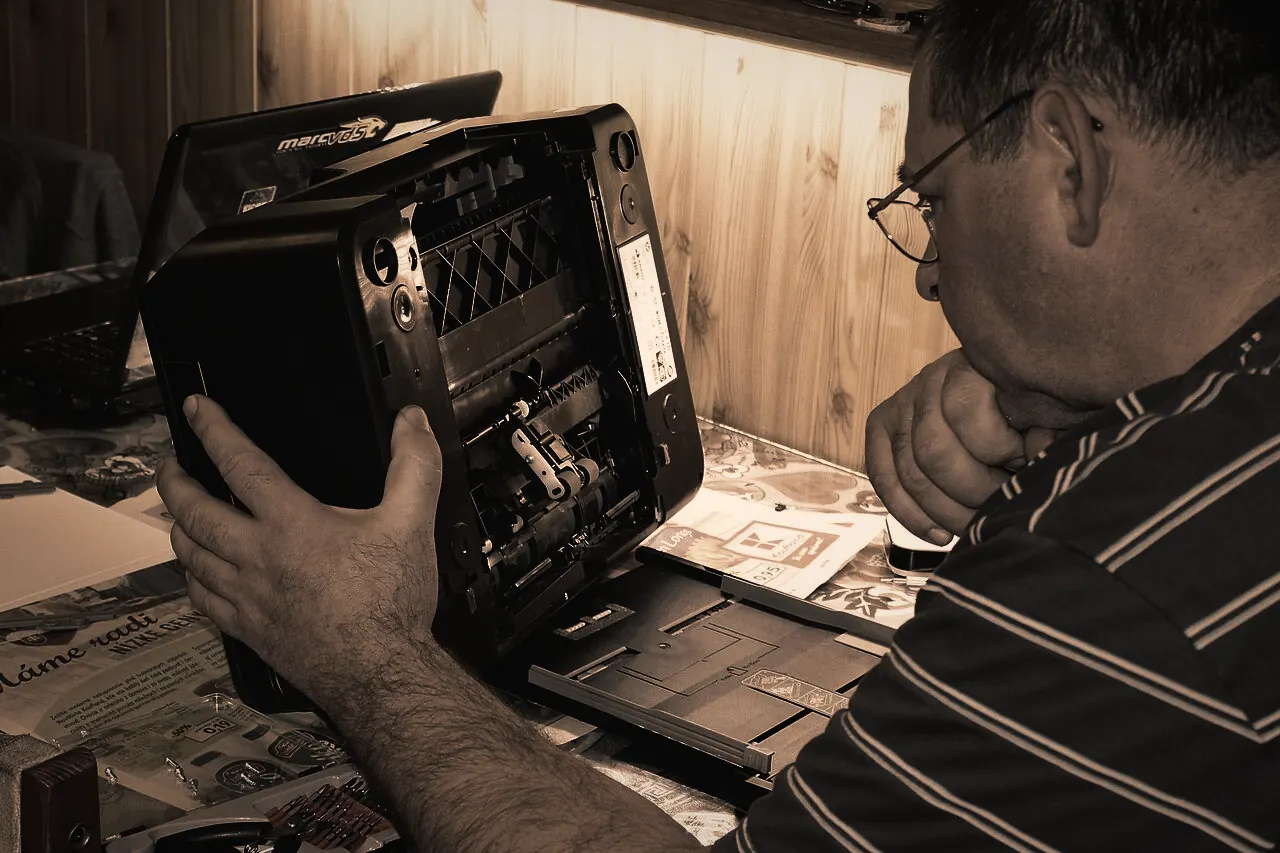
Printer Hardware Repair
When a printer grinds, stalls, shows a fault light or simply refuses to start, the cause is usually physical: a worn roller, a stuck carriage, a failed sensor or a tired power supply.Learn more -
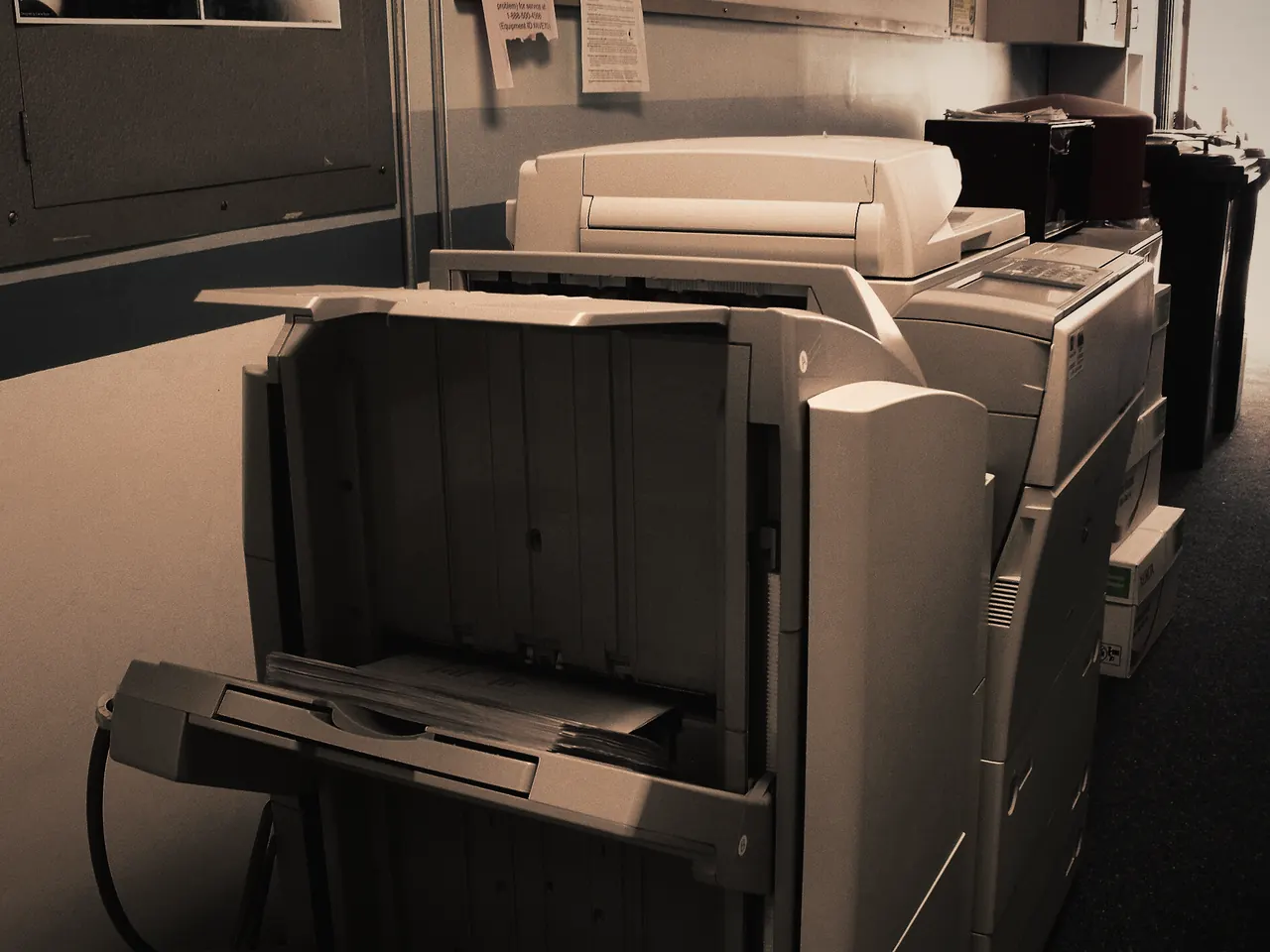
Paper Jam Repair
Pulling out a crumpled sheet clears today’s jam.Learn more


Request a repair
Let’s Get Your Printer Working Again.
Tell us what’s happening and how you’d like it handled. We review every request and contact you to confirm the details before anything is booked.