Printer repair & troubleshooting
Professional Printer Repair.
Reliable printer repair and troubleshooting services to help get your printing back on track.
- Diagnosis before any repair
- Costs agreed before work starts
- On-site visits & Remote troubleshooting

- MethodFind the cause, then fix it
- ServiceOn-site + Remote
- BrandsMulti-brand, independent
- BookingRequest online, confirmed by us
Printers we work on
HP, Canon, Epson, Brother, Lexmark and Xerox: inkjet, ink tank, laser and all-in-one models.
- HPPrinter repair
- CanonPrinter repair
- EpsonPrinter repair
- BrotherPrinter repair
- LexmarkPrinter repair
- XeroxPrinter repair
Brand names are trademarks of their owners. SP Printer Repair is independent and not affiliated with, endorsed by, or authorized by these manufacturers.
What we fix
Our Repair Services
From the printer that won’t start to the one that prints faint streaks: methodical diagnosis and repair for the problems that actually stop work.
- 01
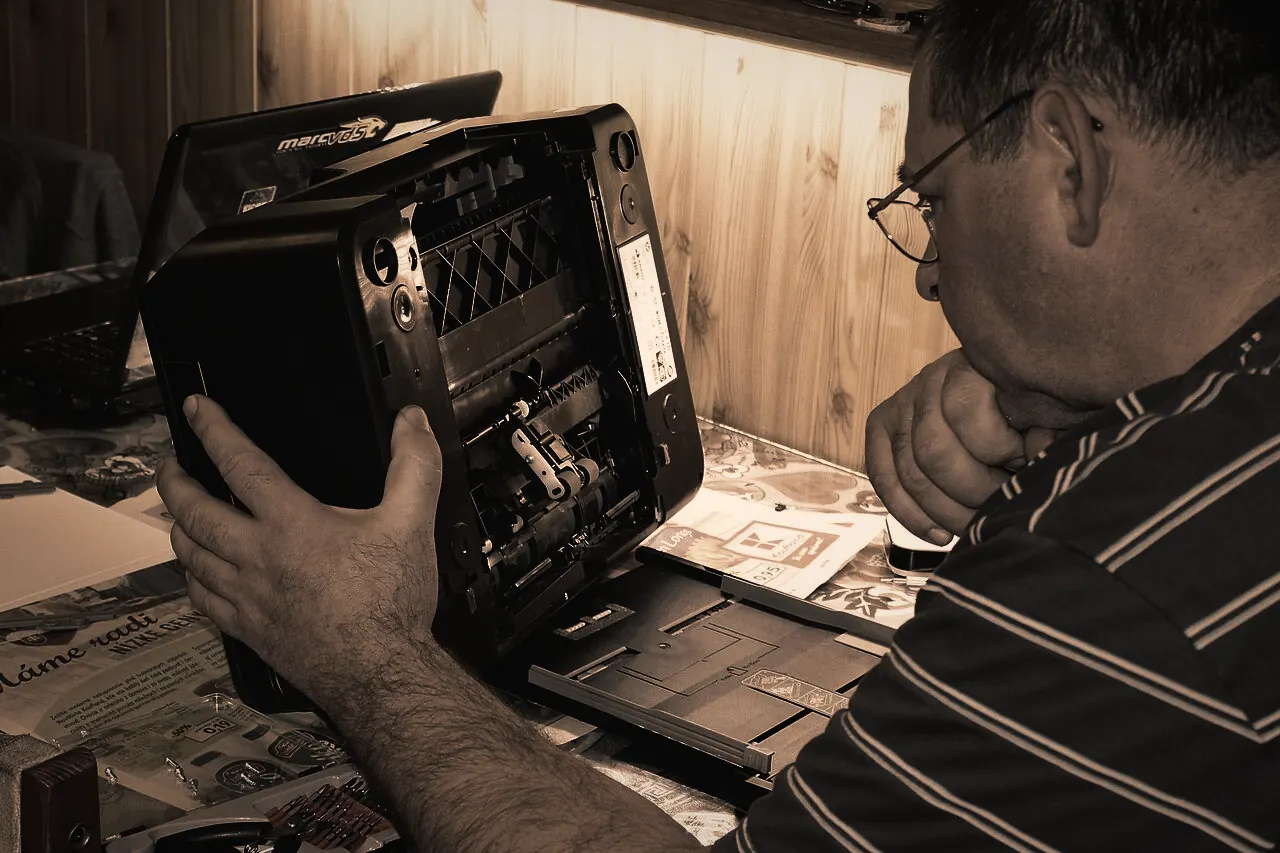
Printer Hardware Repair
Grinding, stalling, fault lights and printers that won’t power on. - 02
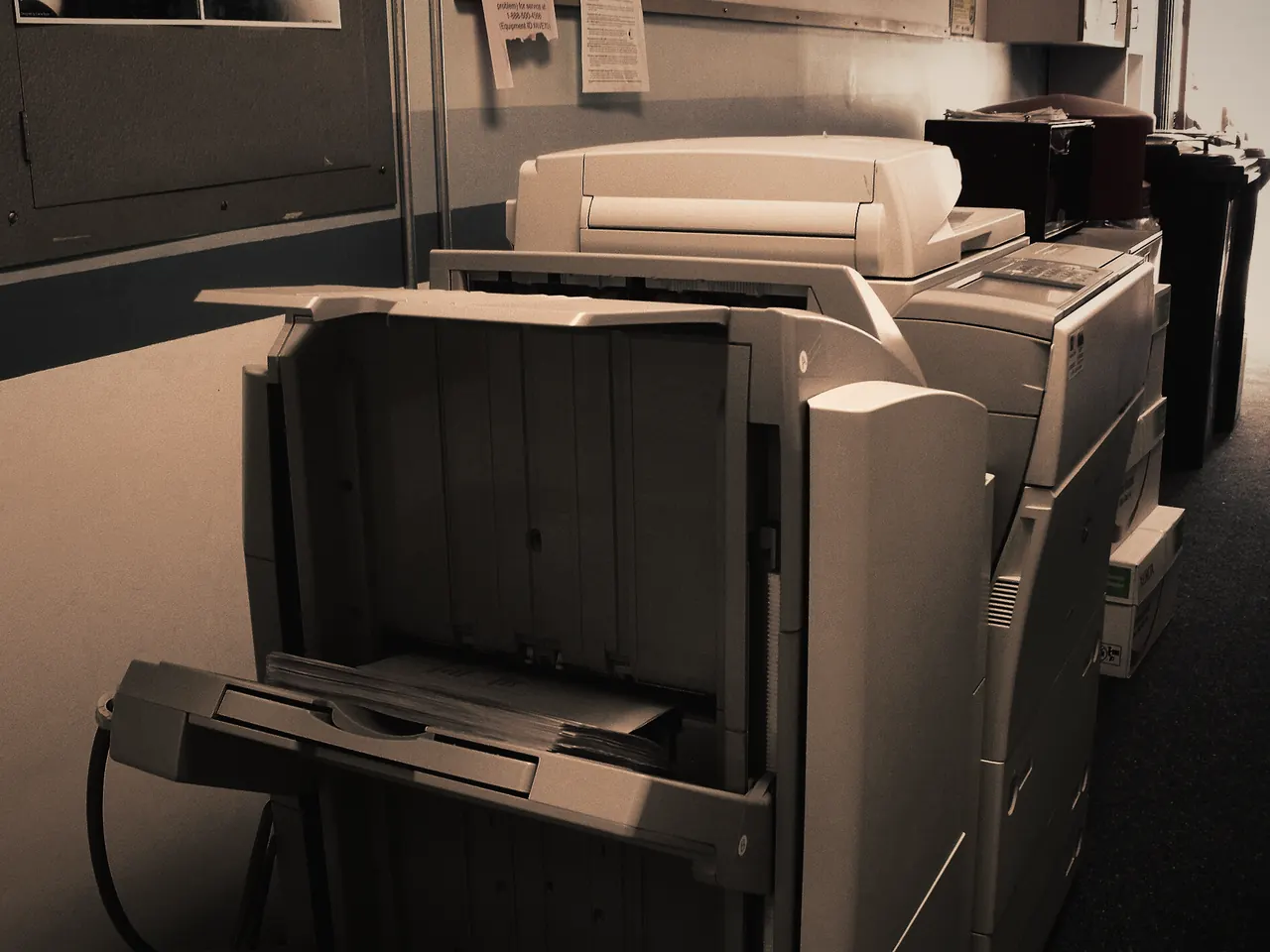
Paper Jam Problems
Recurring jams, phantom jams and multi-sheet feeds traced to the cause. - 03
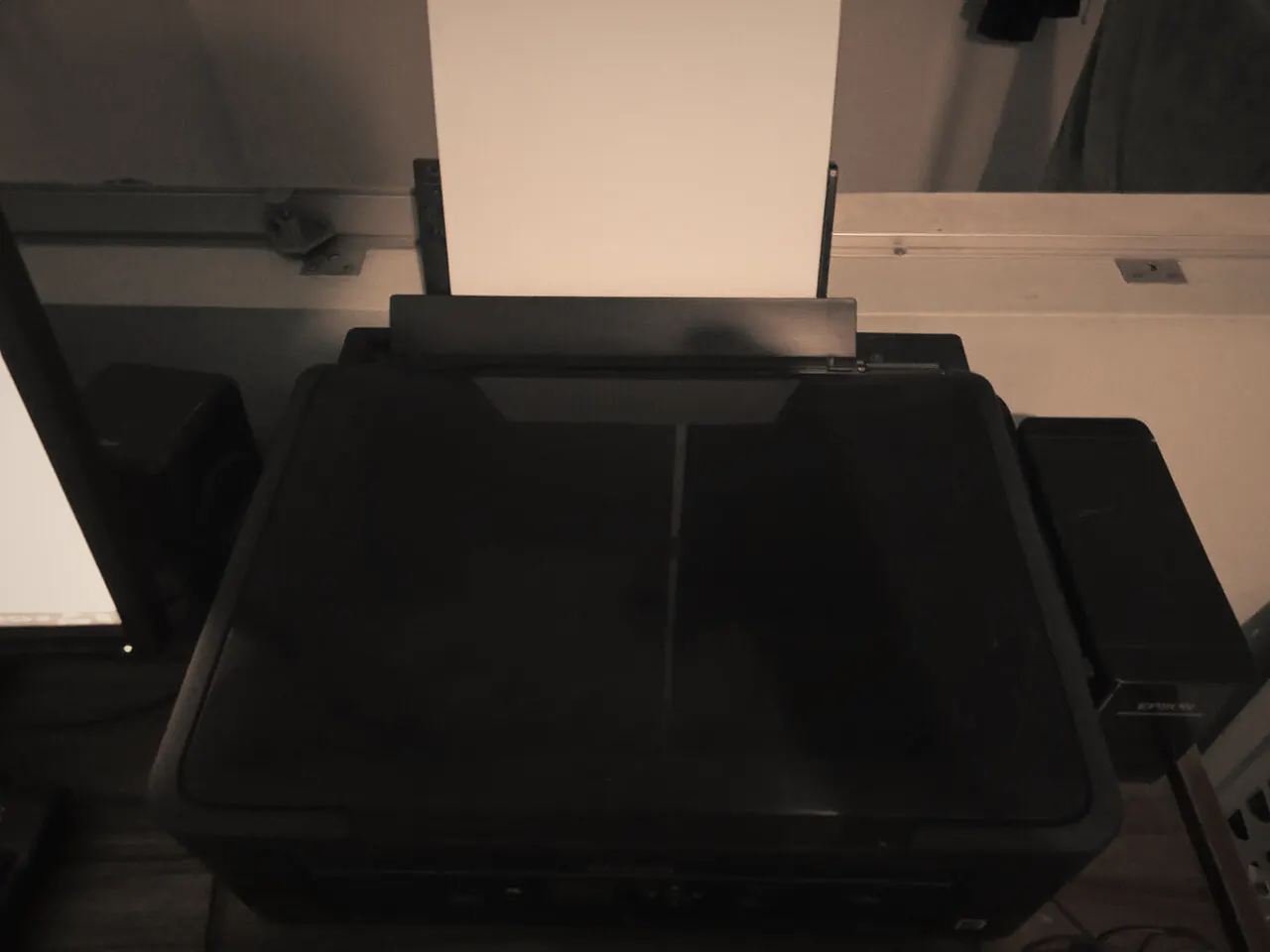
Wireless Printer Connectivity
Joining Wi-Fi, staying connected and printing from every device. - 04
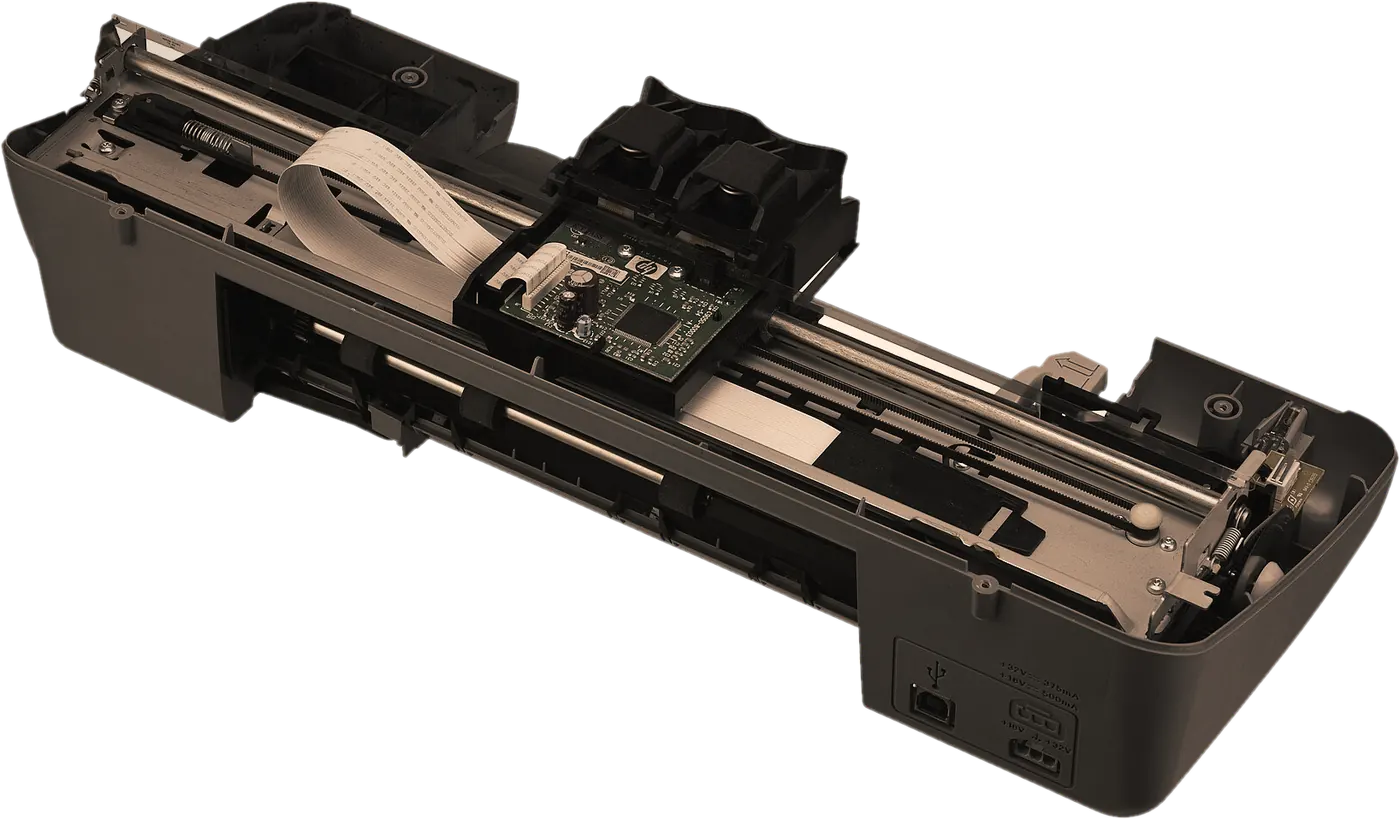
Printer Installation and Setup
New printers set up properly, from unpacking to the first useful print. - 05
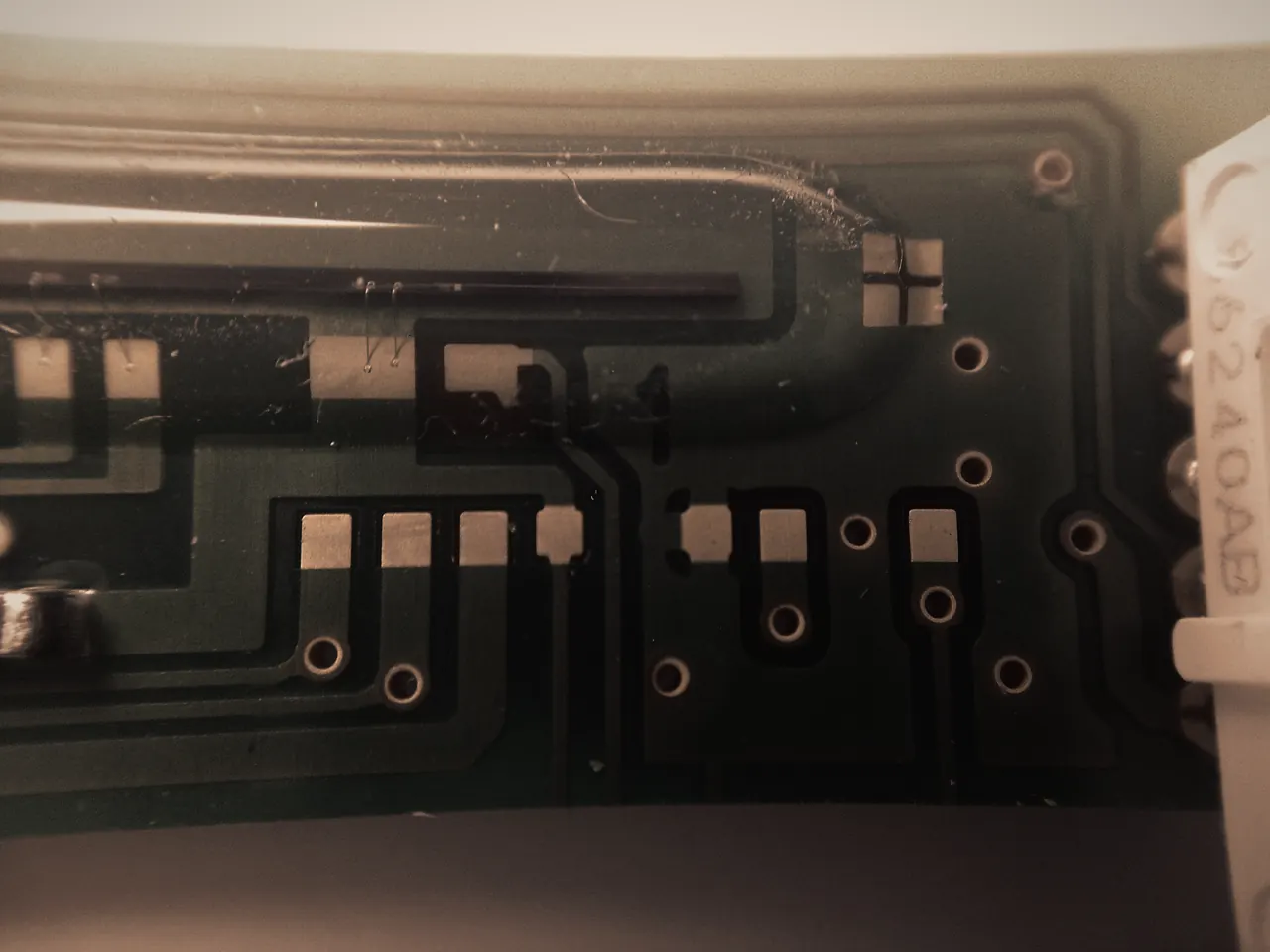
Driver and Software Problems
Wrong drivers, missing scan features and printing broken by updates. - 06
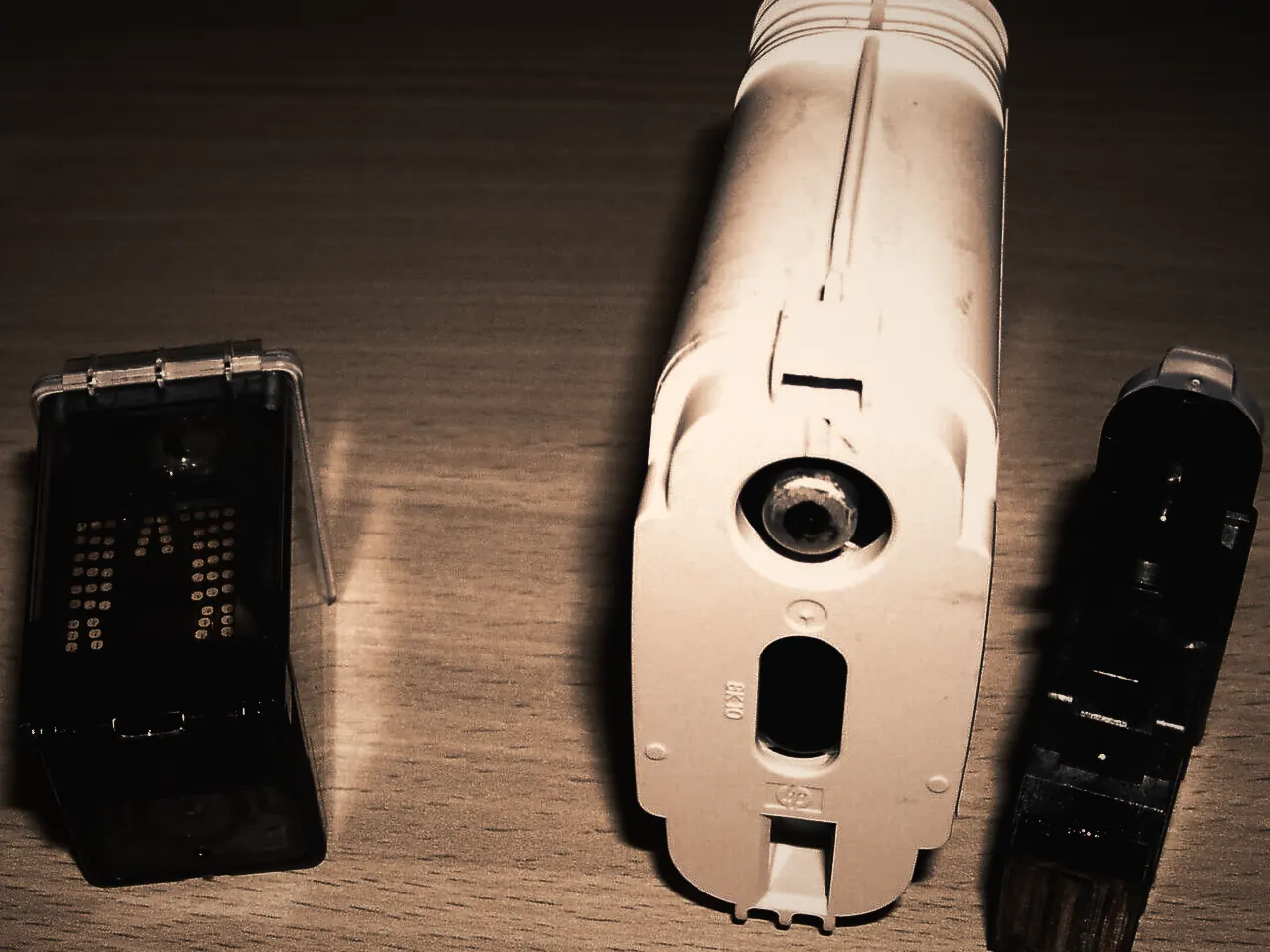
Print Quality Issues
Streaks, fading, smudges and missing colours on inkjet and laser. - 07
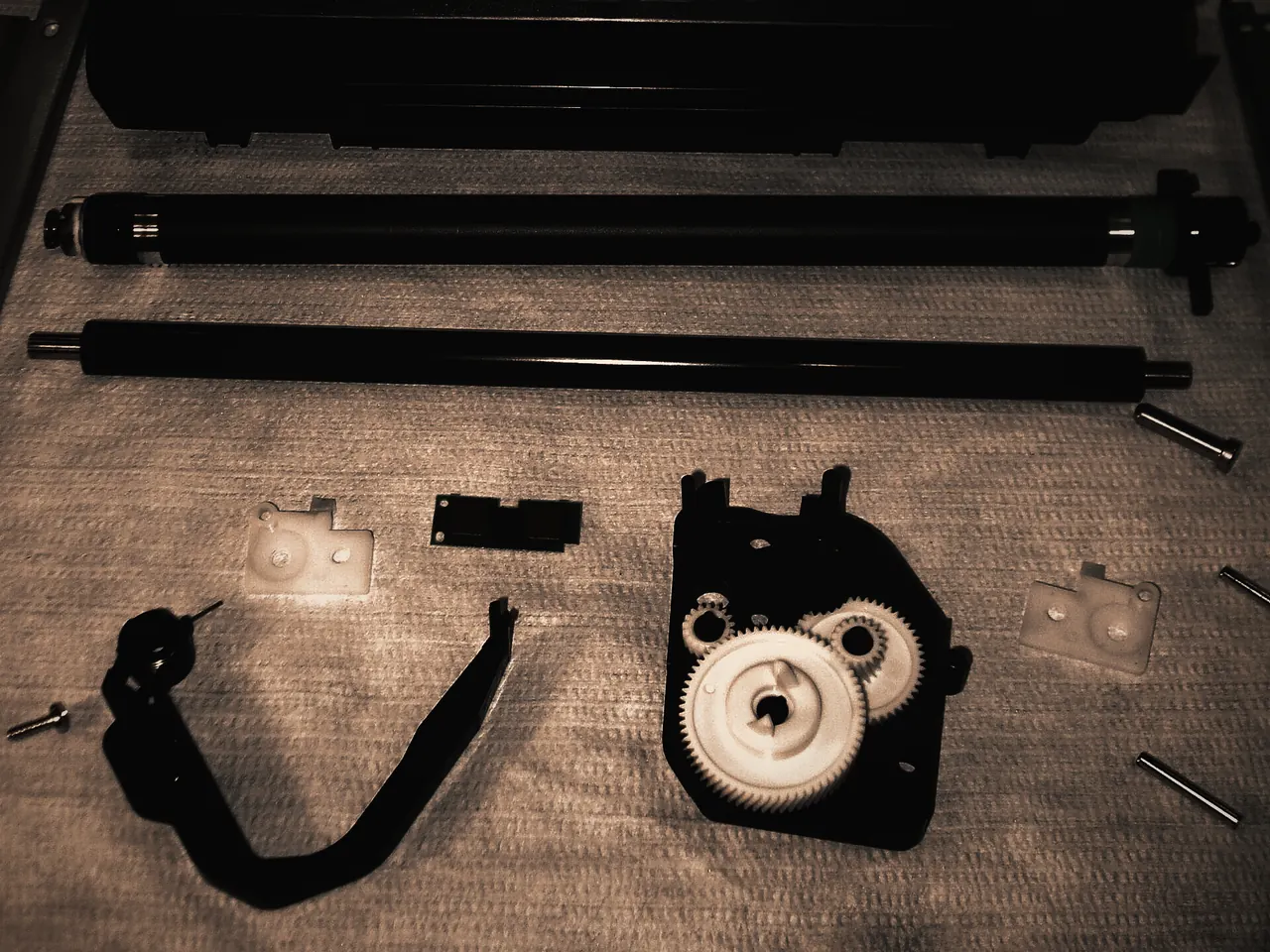
Ink and Toner Problems
Cartridges not recognised, false empty warnings, leaks and spills. - 08
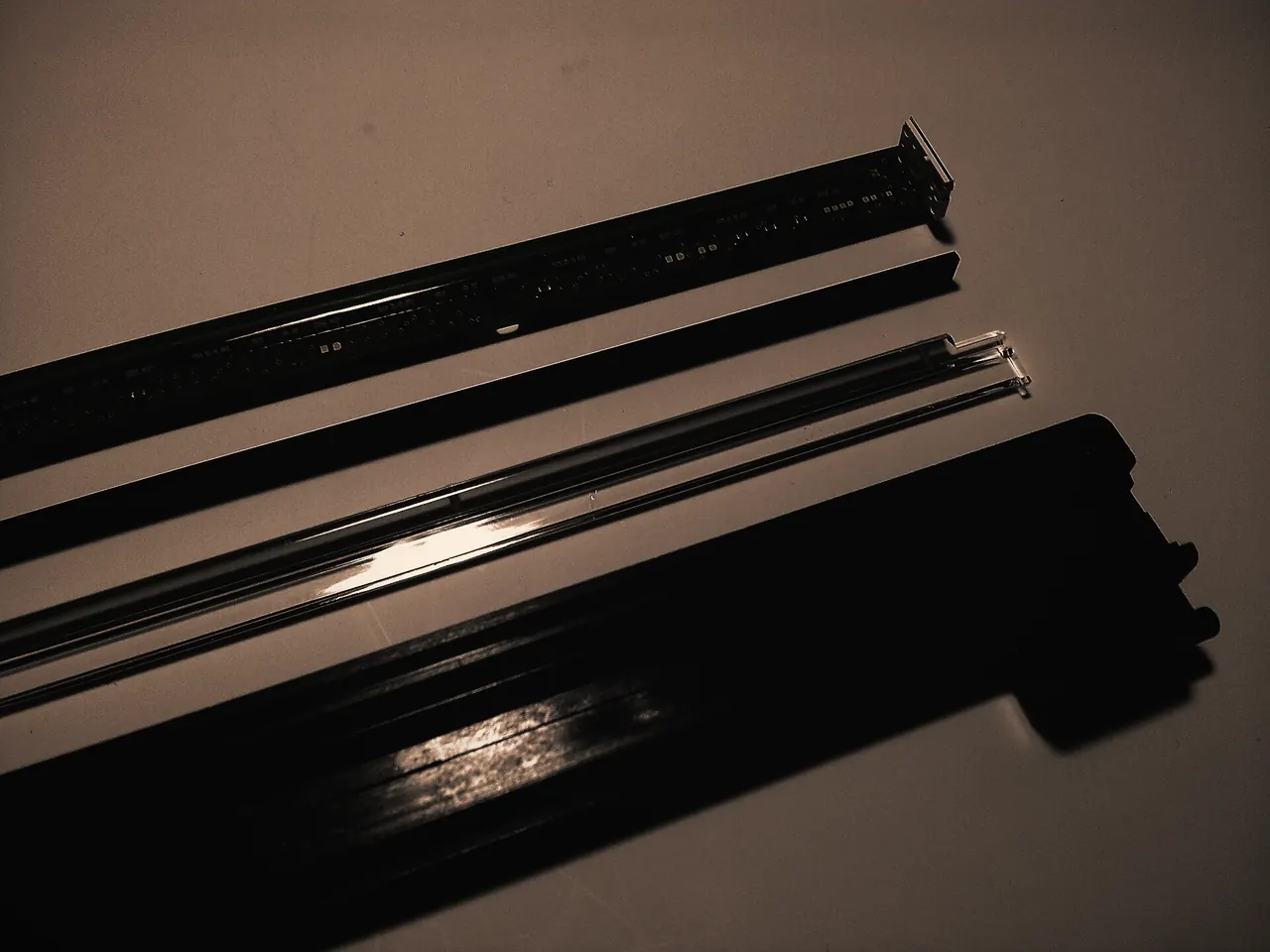
Printer Maintenance
Cleaning, checks and preventive care before small faults grow.


Why choose us
Why Choose SP Printer Repair
Printer problems are rarely as simple, or as hopeless, as they first look. We take the time to find what is actually wrong and explain it in plain language, so you can decide with the full picture.

Professional repair assistance
Methodical diagnosis of hardware, connection and print quality problems, so the fix targets the real cause.
Personalized service
Advice based on your printer model, how you use it and what you need from it, not a script.
Convenient appointment requests
Request a repair online whenever it suits you, with your preferred date and time window.
Clear communication
Plain explanations of what is wrong, what fixing it involves and your options, before work goes ahead.
Supported brands
Help for printers from widely used manufacturers, from home inkjets to office laser printers.
How it works
How Our Process Works
A clear path from first message to a working printer. Nothing is booked, and nothing is charged, without your agreement.
Submit your repair request
Tell us about the printer and the problem online. It takes a few minutes, and a photo helps.
Discuss your printer problem
We review your request and contact you to ask questions and talk through the likely cause.
Confirm the appointment
We agree the type of service, the time and any costs with you. Nothing is booked until you confirm.
Get your printer serviced
We diagnose, repair and test the printer, and explain what we did.
Symptoms we see most
Common Printer Problems
Recognise one of these? Each links to how we approach it.
Printer not printing
Jobs disappear, stay in the queue or come out blank.
How we fix itPrinter offline
The computer says offline even though the printer is on.
How we fix itPaper jam
Jams that keep coming back, or jams with no paper inside.
How we fix itWi-Fi connection problems
Cannot join the network, or keeps dropping off it.
How we fix itPoor print quality
Streaks, faded pages, smudges and missing colours.
How we fix itError messages
Codes, warning lights and messages that will not clear.
How we fix it
Customer Feedback
Reviews from real customers will appear here as they are shared with us.
We only publish genuine feedback, with the customer’s permission and, where possible, a link to where it was posted. You won’t find invented names, ratings or star scores on this site.
Questions
Frequently Asked Questions
Straight answers about booking, the repair process and what to expect.
All FAQsStill unsure?
Email info@spprinterrepair.com and we’ll reply to your question.
Is my appointment confirmed when I submit the form?
No. Submitting the form sends a repair request. Your appointment is confirmed only when we contact you and agree the details with you.
What types of printers do you work on?
Inkjet, ink tank, laser and all-in-one printers for homes and small offices. For large office printers and copiers, include the model in your request and we will confirm whether we can help.
What happens after I submit a request?
We review the details and contact you by your preferred method. We discuss the problem, agree the service type, time and any costs, and only then confirm the appointment.
Are you an official manufacturer service centre?
No. SP Printer Repair is an independent repair business. We are not affiliated with any printer manufacturer, and brand names are used only to describe the printers we work on.
Why does my printer keep going offline?
Common causes are network address changes, power-saving modes, weak signal and duplicate printer entries on the computer. Our offline guide walks through the checks.

Request a repair
Let’s Get Your Printer Working Again.
Tell us what’s happening and how you’d like it handled. We review every request and contact you to confirm the details before anything is booked.