Preventive care
Printer Maintenance
Maintenance that keeps the printer out of the repair queue.
Dust, paper debris and spilled toner build up inside every printer. A planned clean and check catches worn parts early, before they cause jams, streaks or downtime at the worst moment.

Problem overview
What’s usually going on
Maintenance matters most for printers that work hard: shared office machines, printers used for labels or heavy documents, and printers in dusty spaces. It also suits printers that sit unused for weeks, where ink dries and rollers harden.
We clean, inspect and test, then tell you what we found: parts that are wearing, settings worth changing and anything to watch for.
Diagnosis
Possible causes
- 01
Paper dust and debris
Builds up on rollers and sensors, reducing grip and accuracy.
- 02
Toner and ink residue
Loose toner or ink mist settles inside and transfers onto pages.
- 03
Wear parts
Rollers, pads and other parts wear with page count.
- 04
Out-of-date firmware
Manufacturer updates can fix known faults and connection issues.
Our approach
How we repair it
Clean
Paper path, rollers, sensors and accessible interior areas, using methods suited to the printer.
Inspect
Wear parts, trays, doors and connections.
Review settings
Firmware, power-saving and default settings, with your agreement before any change.
Report
A plain summary of what we did and what to keep an eye on.
What this service covers
- Interior cleaning and paper-path care
- Wear part inspection
- Firmware and settings review
- Test prints and a plain-English summary
Supported brands
Support depends on the specific model; include it in your request. We are independent and not affiliated with these manufacturers.
How it can be handled
- On-site repairA technician visits your home or office to diagnose and repair the printer where it is.
- Remote troubleshootingFor setup, driver, software and connection problems: we guide you or connect to your computer with your permission.
We confirm which option fits after reviewing your request.
FAQs
Printer Maintenance: questions
How often should a printer be maintained?
It depends on how much it prints and where it lives. We suggest a sensible interval for your printer after seeing it.
Can maintenance fix an existing fault?
Sometimes; cleaning alone solves many feed and quality issues. If a part has failed, we tell you before doing anything further.
What about “maintenance box full” messages?
Some inkjets collect waste ink in a replaceable box or internal pad. We can explain what your model uses and the options.
Related
Related services
-
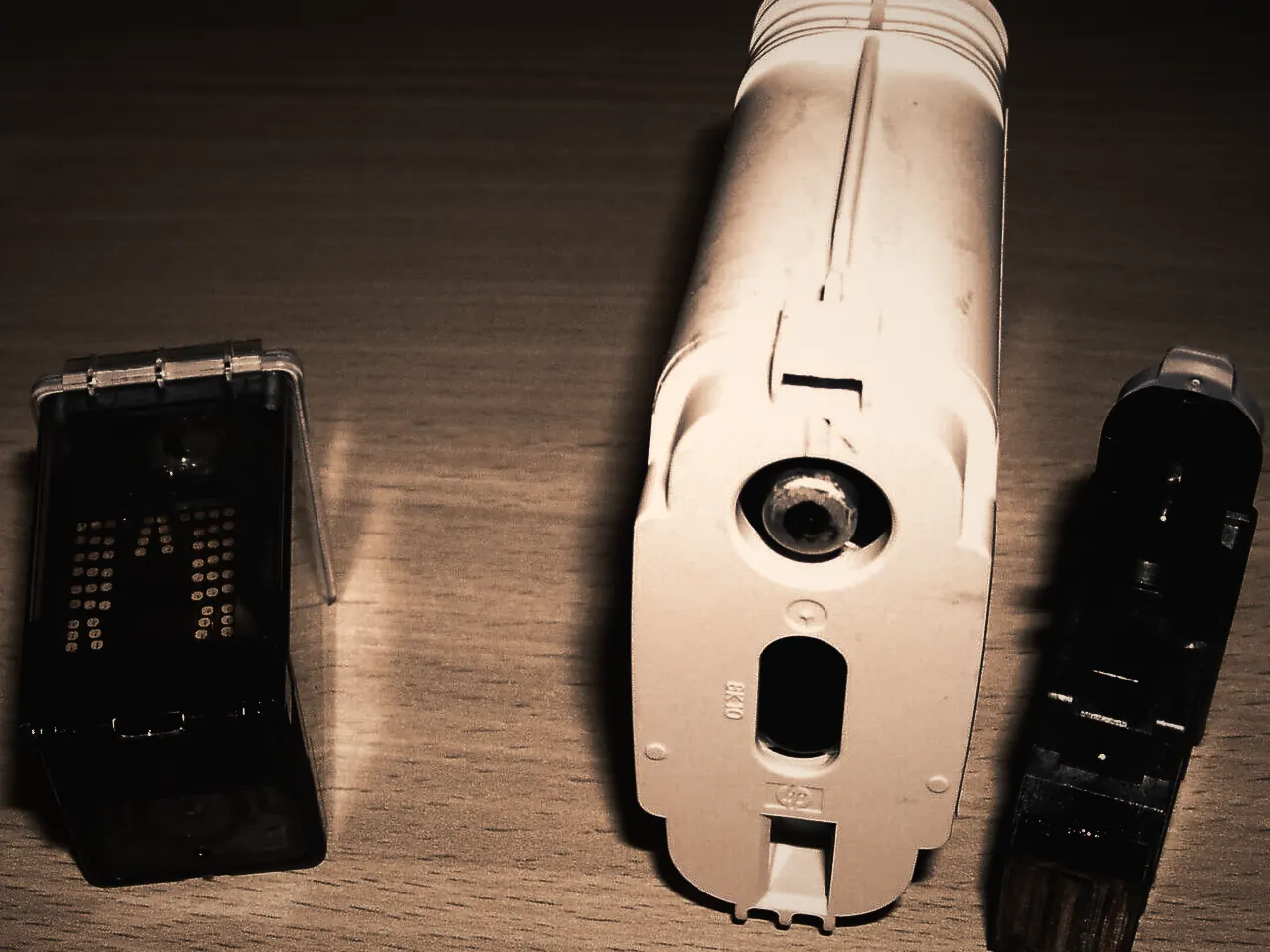
Print Quality Troubleshooting
Streaks, faded areas, smears and repeated marks each point to different parts of the printer.Learn more -
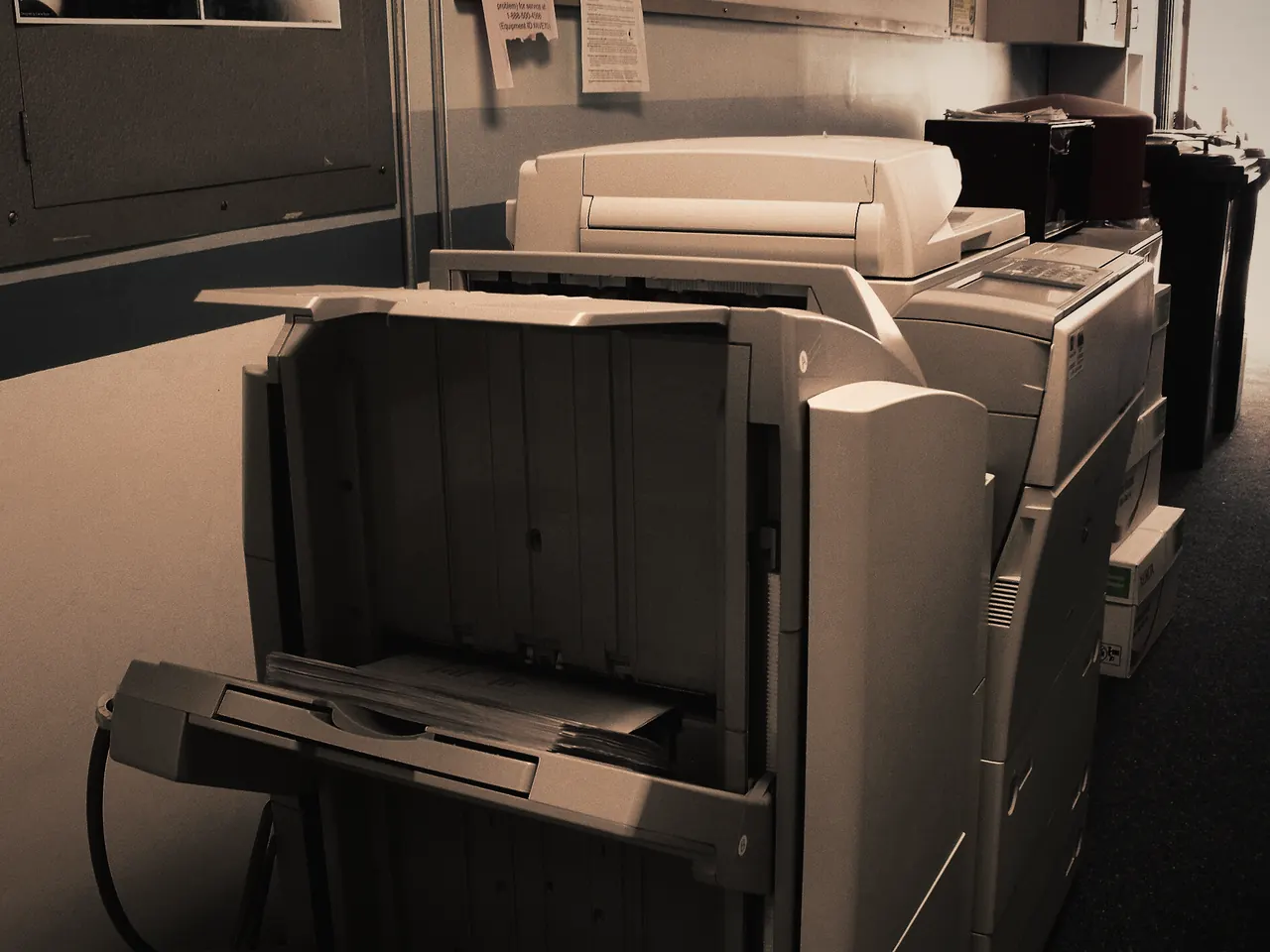
Paper Jam Repair
Pulling out a crumpled sheet clears today’s jam.Learn more -
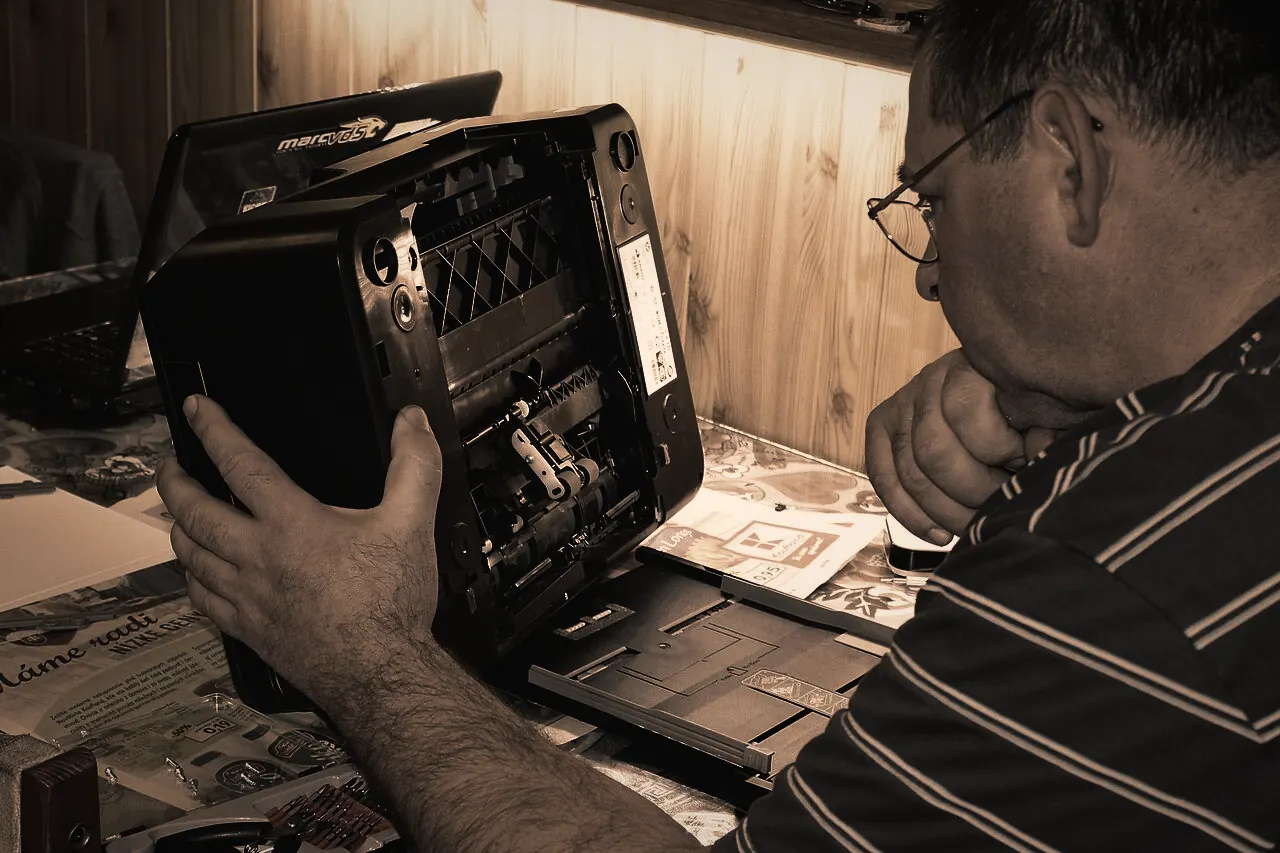
Printer Hardware Repair
When a printer grinds, stalls, shows a fault light or simply refuses to start, the cause is usually physical: a worn roller, a stuck carriage, a failed sensor or a tired power supply.Learn more


Request a repair
Let’s Get Your Printer Working Again.
Tell us what’s happening and how you’d like it handled. We review every request and contact you to confirm the details before anything is booked.