Feed & paper path
Paper Jam Repair
Paper jams that keep coming back have a cause. We find it.
Pulling out a crumpled sheet clears today’s jam. If jams keep returning, or the printer reports a jam when nothing is inside, something in the paper path is worn, dirty, misaligned or broken.

Problem overview
What’s usually going on
Most one-off jams come from the paper itself: damp, curled or overfilled stacks, or the wrong paper weight for the tray. Recurring jams in the same place point to the printer: rollers that no longer grip, a torn fragment sitting on a sensor, or a bent guide.
A “phantom” jam, where the printer insists paper is stuck but you can see none, is usually a sensor reading a scrap of paper, a sticky flag, or dust over an optical sensor.
Diagnosis
Possible causes
- 01
Paper fragments left behind
A small torn corner from a previous jam can block a sensor or snag every following sheet.
- 02
Worn separation pad or rollers
The parts that separate one sheet from the stack lose grip, causing multi-feeds and skew.
- 03
Stuck sensor flags
Mechanical flags that detect paper can stick in the “paper present” position.
- 04
Duplex unit issues
The reversing path for two-sided printing has its own rollers and guides that wear separately.
- 05
Paper and tray setup
The wrong paper size or weight setting, or guides pushed too tight, cause jams that look like faults.
Our approach
How we repair it
Clear safely
We remove all paper and fragments without forcing the mechanism, which can strip gears or tear rollers.
Trace the path
We follow the sheet from tray to output, checking each roller, guide and sensor along the way.
Fix the cause
Cleaning, adjustment or replacement of worn feed parts, as agreed with you.
Stress-test
Multi-page and double-sided jobs from every tray you use, so the fix holds under normal work.
What this service covers
- Recurring and phantom jam diagnosis
- Feed roller and separation pad issues
- Duplex and tray feed problems
- Advice on paper type and tray setup
Supported brands
Support depends on the specific model; include it in your request. We are independent and not affiliated with these manufacturers.
How it can be handled
- On-site repairA technician visits your home or office to diagnose and repair the printer where it is.
- Remote troubleshootingFor setup, driver, software and connection problems: we guide you or connect to your computer with your permission.
We confirm which option fits after reviewing your request.
FAQs
Paper Jam Repair: questions
Can I clear a jam myself?
Yes. Follow the access doors your printer shows, pull paper gently in the direction it travels, and switch off before reaching inside. Our guide on clearing jams safely covers the steps. If the jam returns, book a repair.
Why does my printer say there is a jam when there is no paper?
Usually a hidden fragment, a stuck sensor flag or a dirty optical sensor. These need the paper path inspected rather than another restart.
Does paper quality really matter?
Yes. Damp, curled or very thin paper causes jams on healthy printers. We check this first so you do not pay for a repair you do not need.
Related
Related services
-
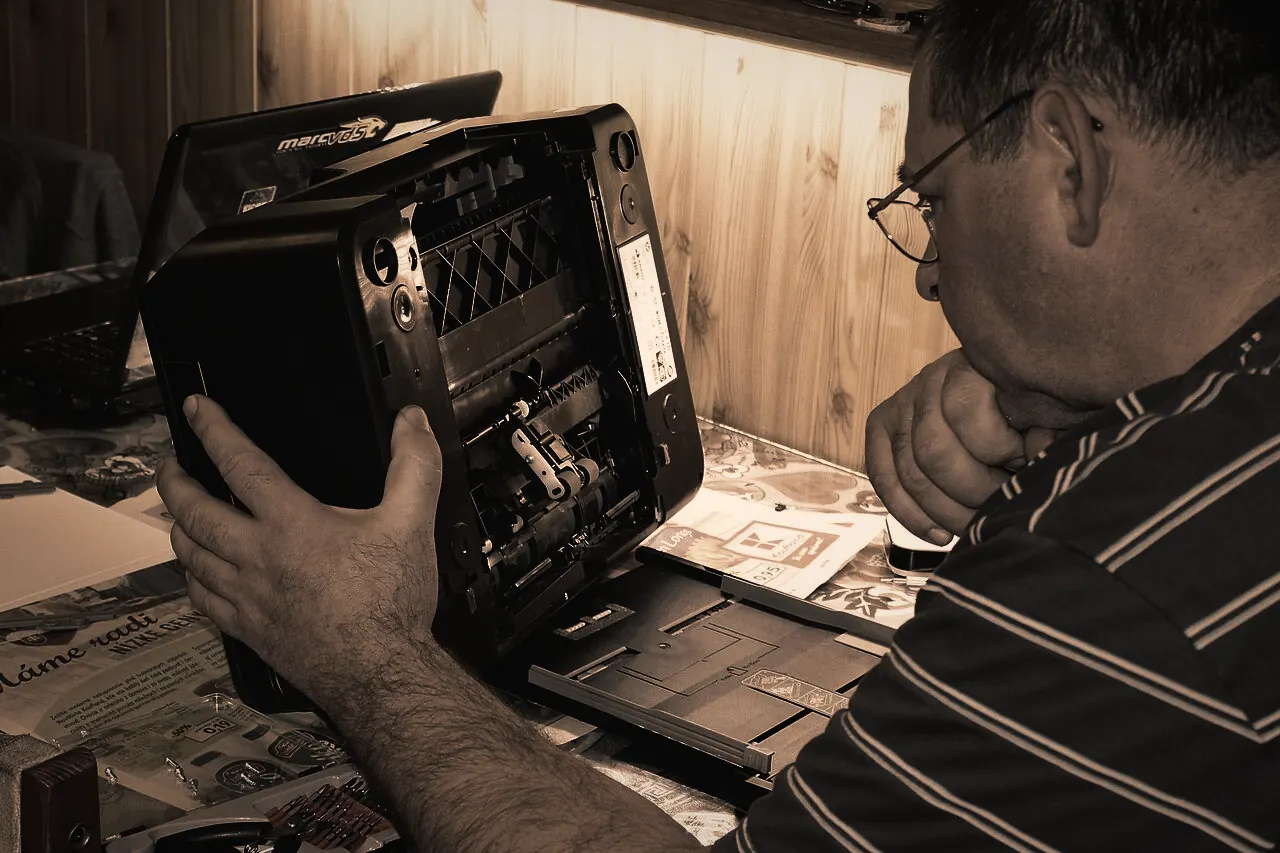
Printer Hardware Repair
When a printer grinds, stalls, shows a fault light or simply refuses to start, the cause is usually physical: a worn roller, a stuck carriage, a failed sensor or a tired power supply.Learn more -
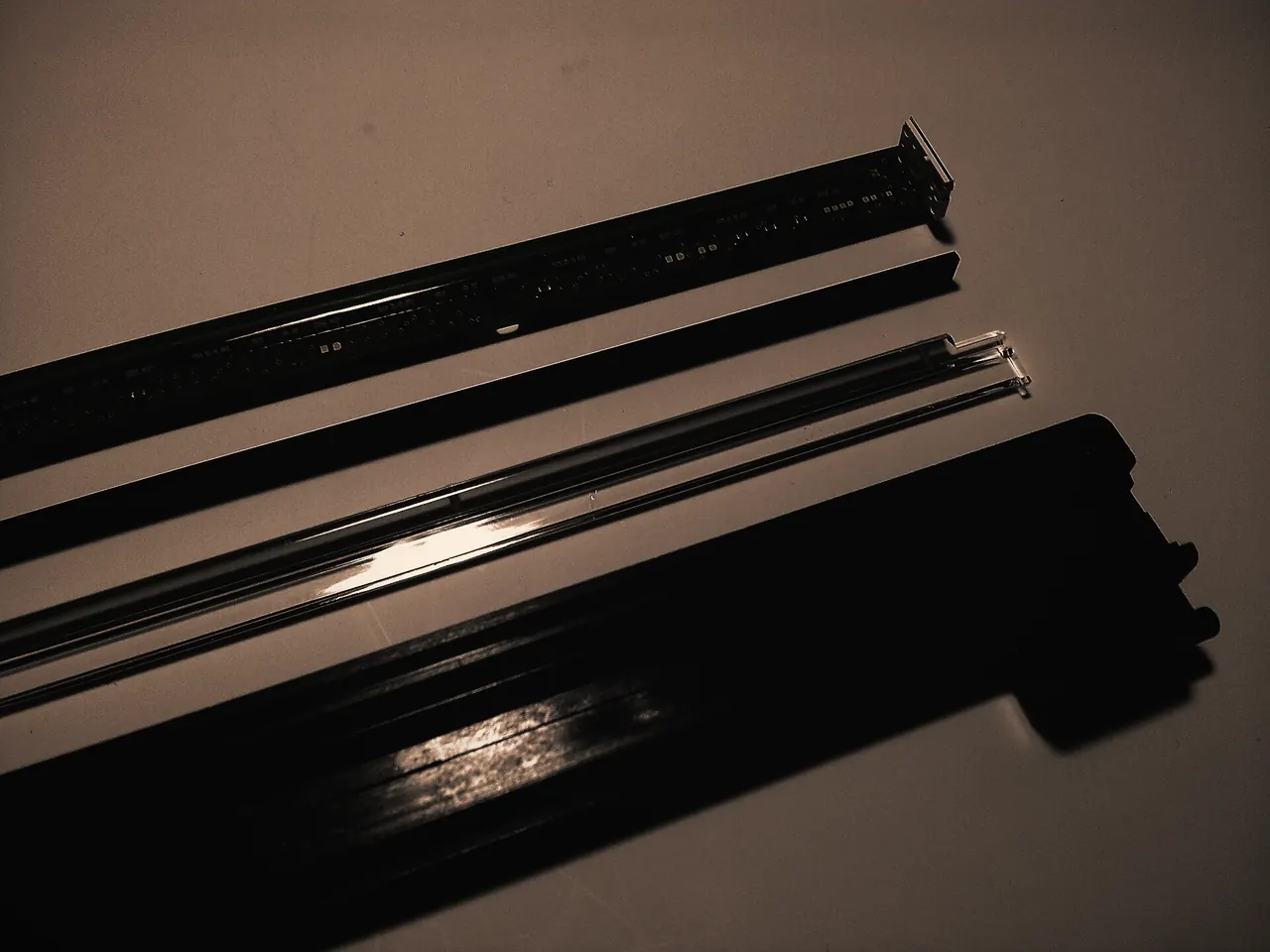
Printer Maintenance
Dust, paper debris and spilled toner build up inside every printer.Learn more -
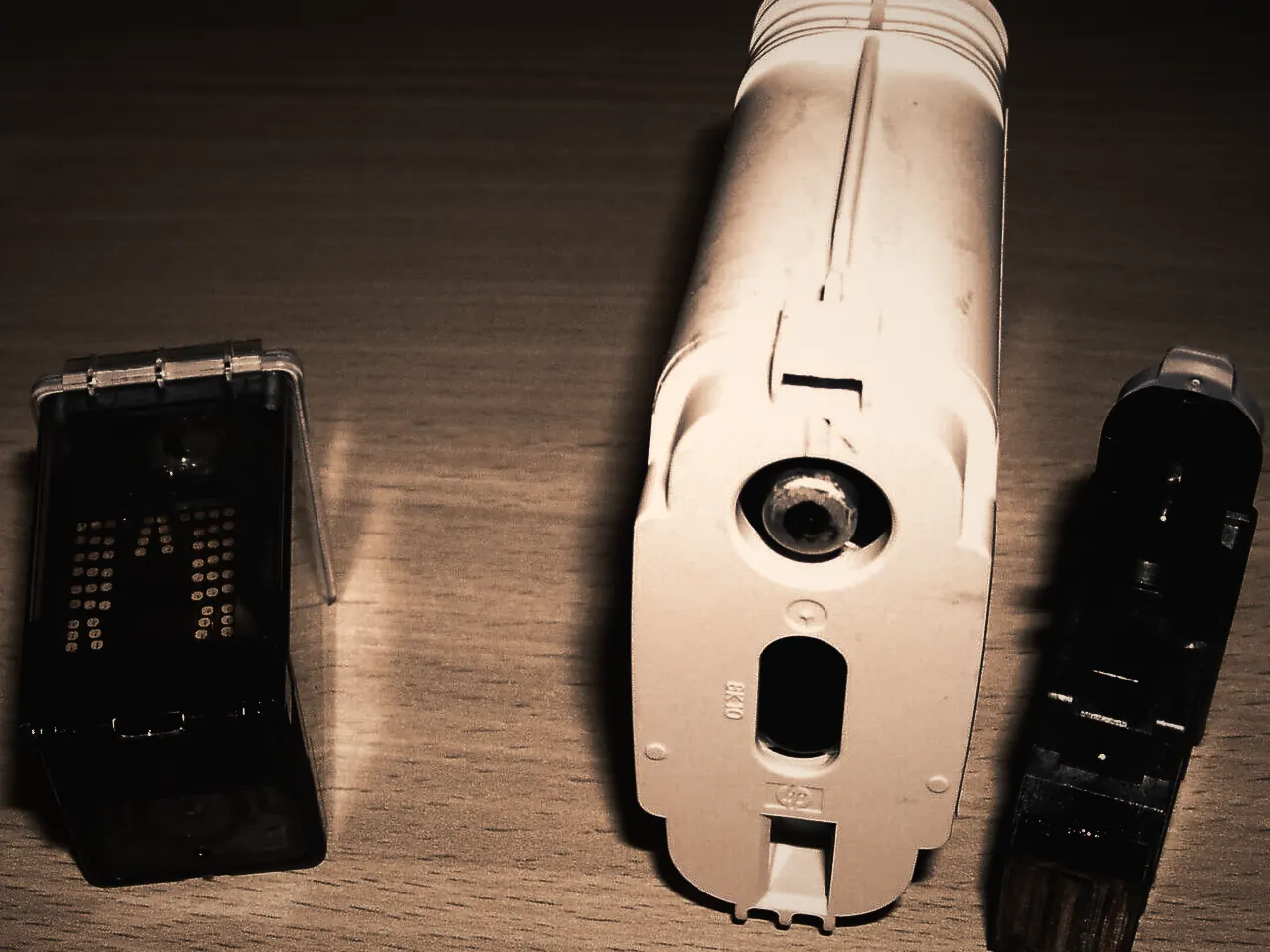
Print Quality Troubleshooting
Streaks, faded areas, smears and repeated marks each point to different parts of the printer.Learn more


Request a repair
Let’s Get Your Printer Working Again.
Tell us what’s happening and how you’d like it handled. We review every request and contact you to confirm the details before anything is booked.