Independent repair
Brother Printer Repair
Repair and setup for Brother laser and inkjet printers, including drum, toner and wireless problems.
Brother is a trademark of its owner. SP Printer Repair is an independent printer repair business. We are not affiliated with, endorsed by, or authorized by Brother. Brand names are used only to describe the printers we work on.
Introduction
Brother printers we work on
Brother laser printers and all-in-ones are workhorses in many homes and small offices. Many models use a separate toner cartridge and drum unit, which can confuse the messages the printer shows.
We help work out whether a message refers to the toner, the drum or a counter that needs resetting, and fix genuine faults when they are present.
Common problems
Common Brother printer problems
- 01
Drum and toner messages
Replace-drum or toner warnings that persist after a change.
- 02
Paper jams
Jams inside the drum area, rear cover or duplex path.
- 03
Wireless setup
Joining Wi-Fi and staying connected.
- 04
Faded or spotted prints
Drum wear or dirty corona wire on some laser models.
Repair services
Services for Brother printers
- Printer Hardware RepairGrinding, clicking or knocking noises during printing
- Paper Jam RepairJams in the same spot on most jobs
- Wireless Printer SetupPrinter cannot find or join the Wi-Fi network
- Network & Connectivity TroubleshootingPrinter shows “offline” on the computer
- Printer Installation, Setup & DriversNew printer needs setting up
- Print Quality TroubleshootingHorizontal or vertical streaks and lines
- Printer MaintenancePrinter used heavily or shared by several people
Troubleshooting
Before you contact us
- Note whether the message mentions the drum or the toner; on many Brother lasers they are separate parts.
- Lift the drum and toner out together only as your manual shows, and keep the drum away from bright light.
FAQs
Brother repair questions
My Brother says “Replace Drum” after I changed it. Why?
On many models the drum counter needs resetting after a new drum is fitted. If the message persists after that, book a repair.
Are you connected to Brother?
No. We are an independent repair business, not affiliated with Brother.
Related
Related services
-
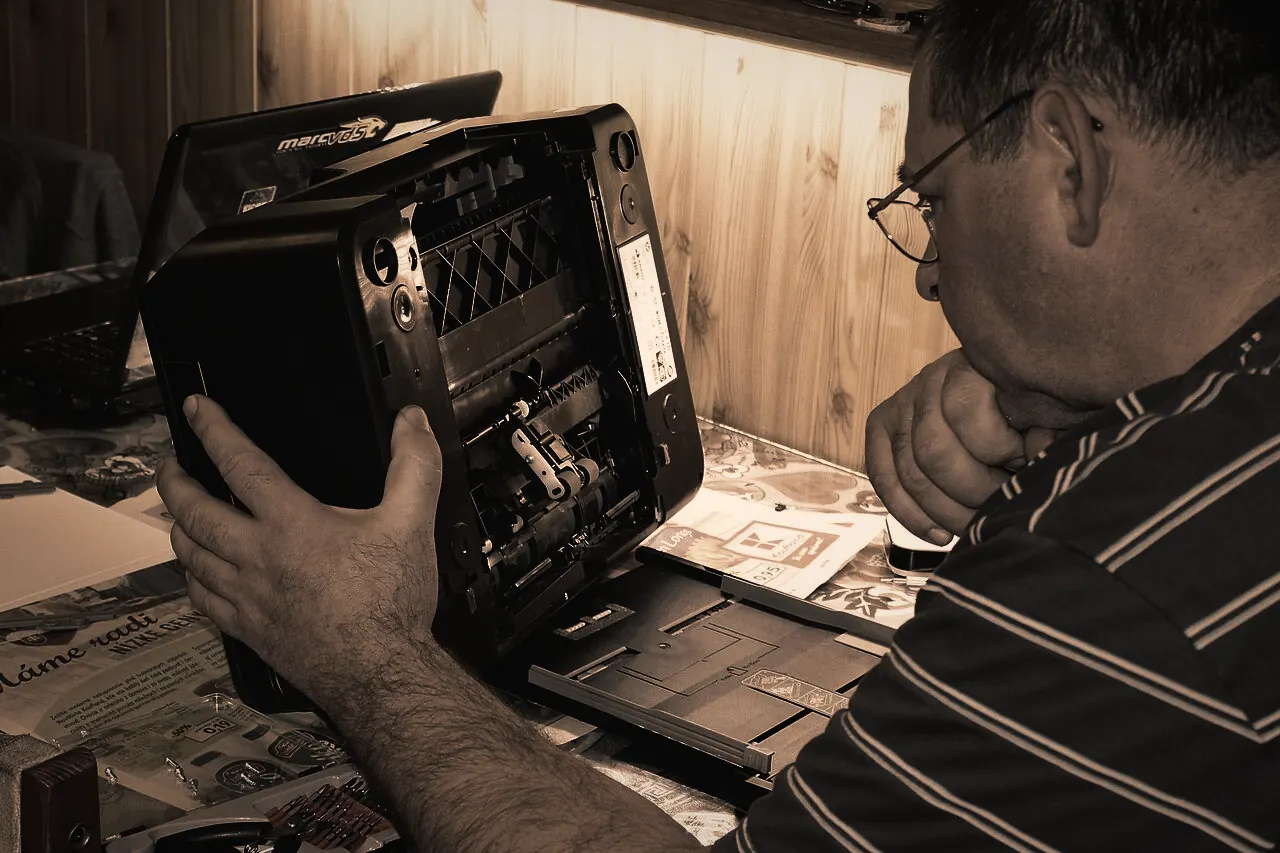
Printer Hardware Repair
When a printer grinds, stalls, shows a fault light or simply refuses to start, the cause is usually physical: a worn roller, a stuck carriage, a failed sensor or a tired power supply.Learn more -
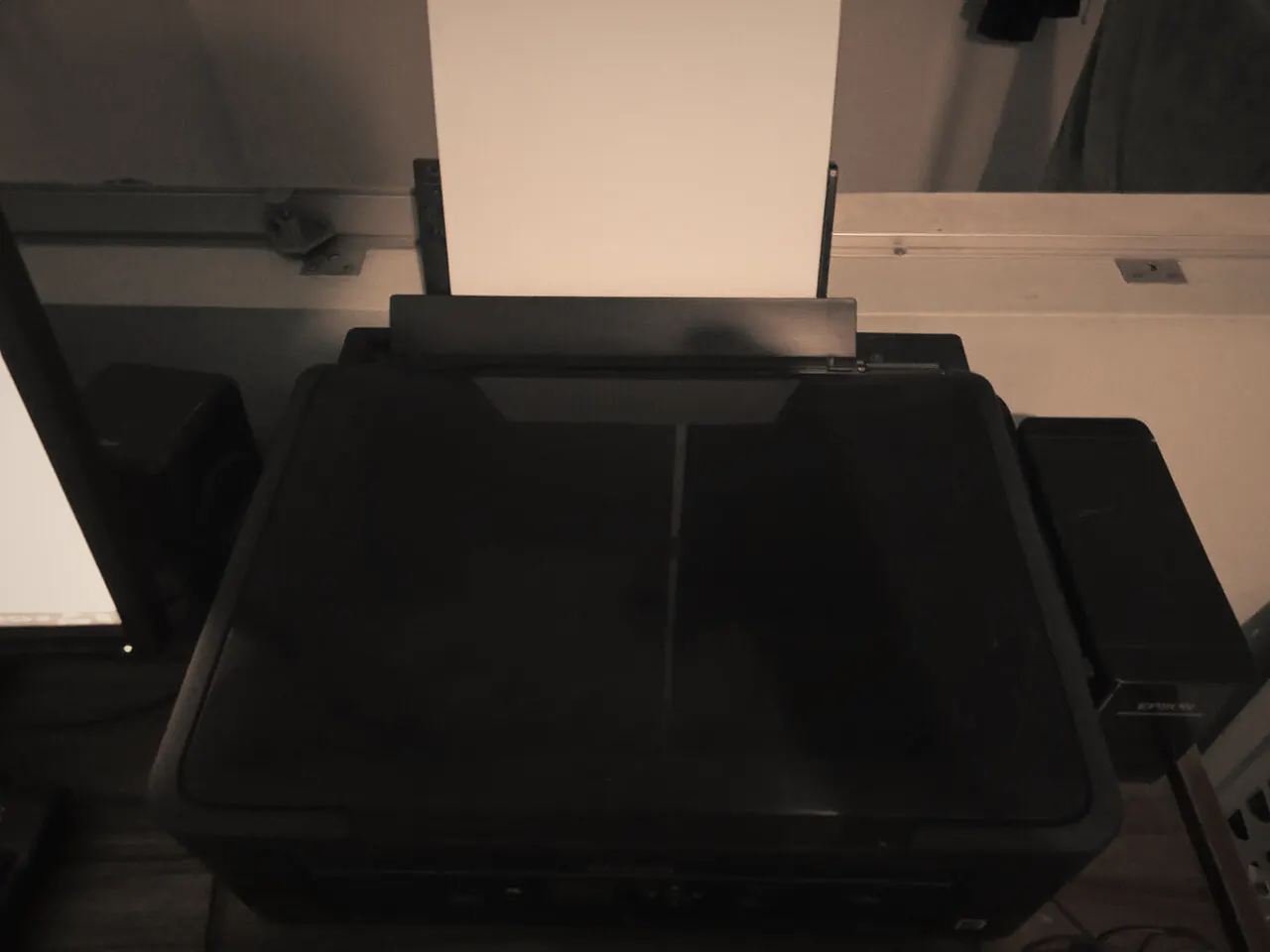
Wireless Printer Setup
A printer that loses Wi-Fi every few days, or cannot see the network after a new router arrives, wastes more time than almost any other fault.Learn more -
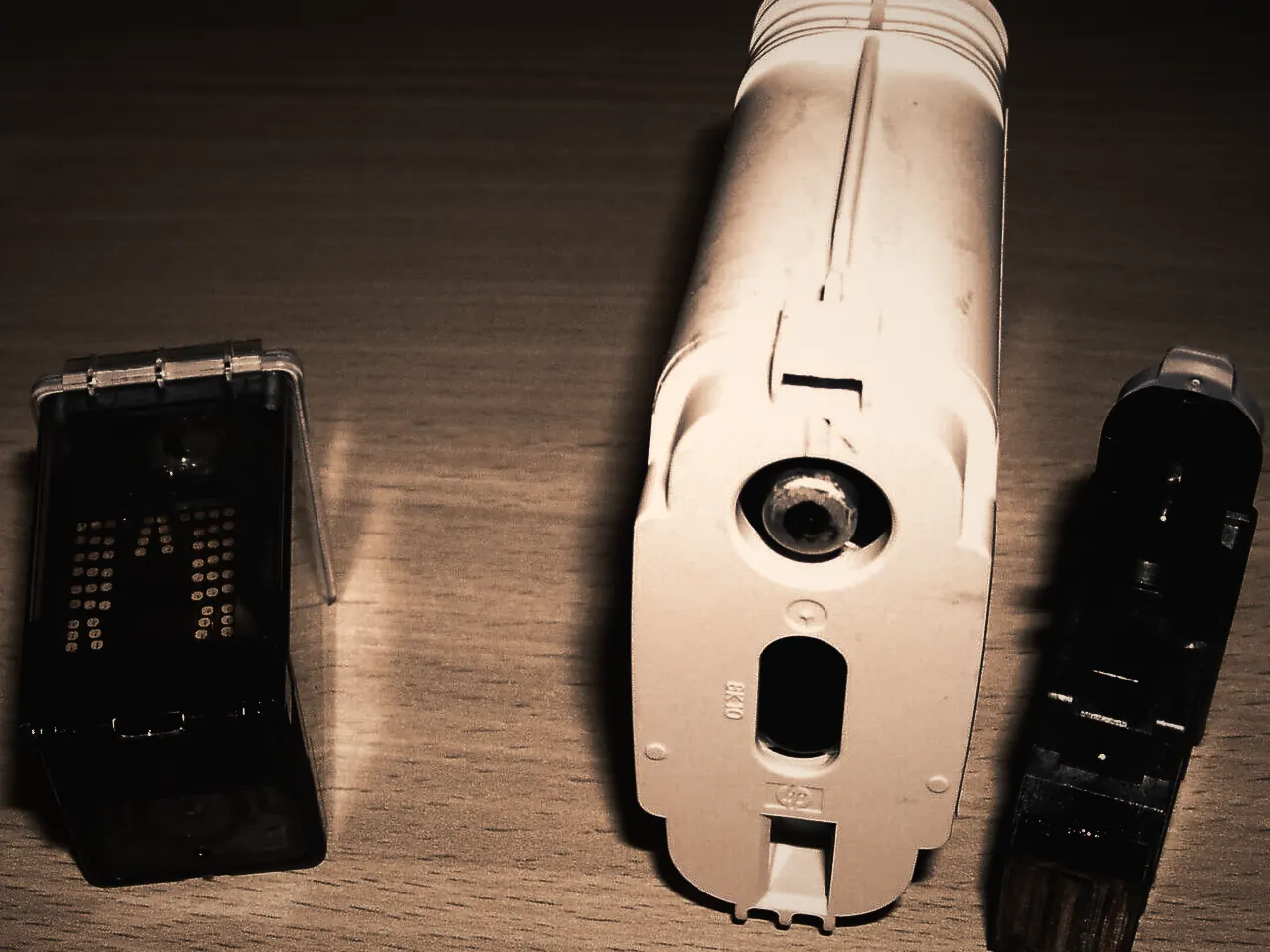
Print Quality Troubleshooting
Streaks, faded areas, smears and repeated marks each point to different parts of the printer.Learn more


Request a repair
Need help with your Brother printer?
Tell us what’s happening and how you’d like it handled. We review every request and contact you to confirm the details before anything is booked.